
Overall Score
15
Top 50%
of AI companies
by ShotSolve
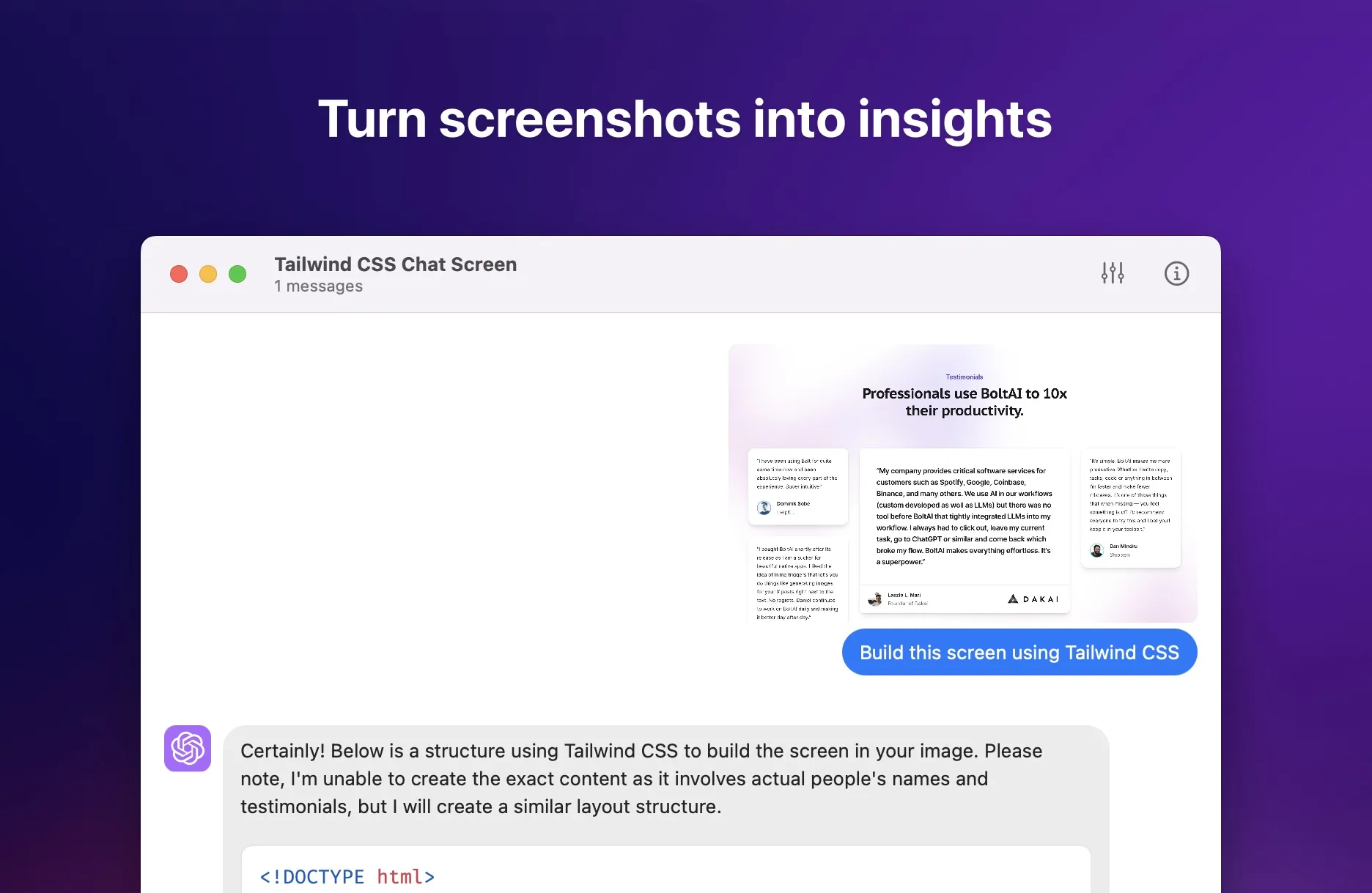
ShotSolve is an application available on the Mac menu bar that leverages GPT-4 Vision to answer queries related to a captured screenshot. De
ShotSolve is an application available on the Mac menu bar that leverages GPT-4 Vision to answer queries related to a captured screenshot. Developed by BoltAI, it serves as a versatile tool for interpretation and understanding screenshot content, aiding in tasks such as code generation and preview fr...
Overall Score
15
Top 50%
of AI companies
Overall Score
15
GitHub Stars
—
Monthly Visits
138
Community Saves
635K
ShotSolve is an application available on the Mac menu bar that leverages GPT-4 Vision to answer queries related to a captured screenshot. Developed by BoltAI, it serves as a versatile tool for interpretation and understanding screenshot content, aiding in tasks such as code generation and preview fr...
Latest detected signals across traffic, developer activity and community mentions.
Indexed by indexator.ai
| Keyword | Volume / Mo | CPC |
|---|---|---|
| screen shot solver | 30 | — |
| chat bot that can solve screenshoted problems | 500 | — |
| how to screenshot ans ask ai on mac | 270 | — |
| quiz screenshot solver | 130 | — |
ShotSolve is an application available on the Mac menu bar that leverages GPT-4 Vision to answer queries related to a captured screenshot. Developed by BoltAI, it serves as a versatile tool for interpretation and understanding screenshot content, aiding in tasks such as code generation and preview fr...
Get notified when score, traffic, GitHub or community signals change.
Latest detected signals across traffic, developer activity and community mentions.
Indexed by indexator.ai
Six signals, each 0–100, blended into the overall by their listed weight.
Generated from public signals and search intent.
Each dimension is weighted (traffic 20% · community 25% · growth 15% · momentum 15% · innovation 10%) and combined into the overall.
| Keyword | Volume / Mo | CPC |
|---|---|---|
| screen shot solver | 30 | — |
| chat bot that can solve screenshoted problems | 500 | — |
| how to screenshot ans ask ai on mac | 270 | — |
| quiz screenshot solver | 130 | — |
Saves
635.1K
Rating
—
Views
—
Category
Image querying
Pros · 29
Cons · 7
Rating distribution
Release history · 1+
Initial release of ShotSolve.
Q&A · 22
ShotSolve is an application developed by BoltAI that is available on the Mac menu bar. It employs the technological capabilities of GPT-4 Vision to answer queries associated with a captured screenshot.
ShotSolve employs GPT-4 Vision for screenshot analysis and problem solving. A user captures a screenshot, inputs a query, and GPT-4 Vision provides a solution or explanation for the question.
ShotSolve aids in a variety of tasks such as generating and previewing code, critiquing and previewing design documents, providing software user interface or user experience feedback, evaluating marketing materials, generating programming tutorials, and providing contextual help with software.
ShotSolve is compatible with devices supporting macOS 12+, including platforms powered by both Intel and Apple Silicon.
ShotSolve's operation works in a simple and intuitive way. First, a screenshot is captured (default shortcut key: Command + Shift + 1). Then, a question about the screenshot is asked. Following this, GPT-4 Vision handles the task of providing an explanation or solution.
How do you feel about this company?
Your vote helps improve ranking signals.
Badge
A lightweight SVG badge showing the score.
<a href="https://indexator.ai/companies/shotsolve" target="_blank" rel="noopener">
  <img src="https://indexator.ai/api/embed/badge/shotsolve" alt="ShotSolve Score on Indexator.ai" width="200" height="60" />
</a>Score Card
An embeddable card with score breakdown.
<iframe src="https://indexator.ai/api/embed/card/shotsolve" width="300" height="200" frameborder="0" style="border:none;border-radius:8px"></iframe>Category Leaderboard
Top 10 in Image Generation.
<iframe src="https://indexator.ai/api/embed/leaderboard?category=Image%20Generation" width="300" height="400" frameborder="0" style="border:none;border-radius:8px"></iframe>