
Overall Score
37
Top 5%
of AI companies

VS Code extension that turns KiCad projects into an interactive workspace with schematic/PCB viewers, DRC/ERC diagnostics, BOM/netlist inspection, manufacturing exports, AI tools, and MCP integration.
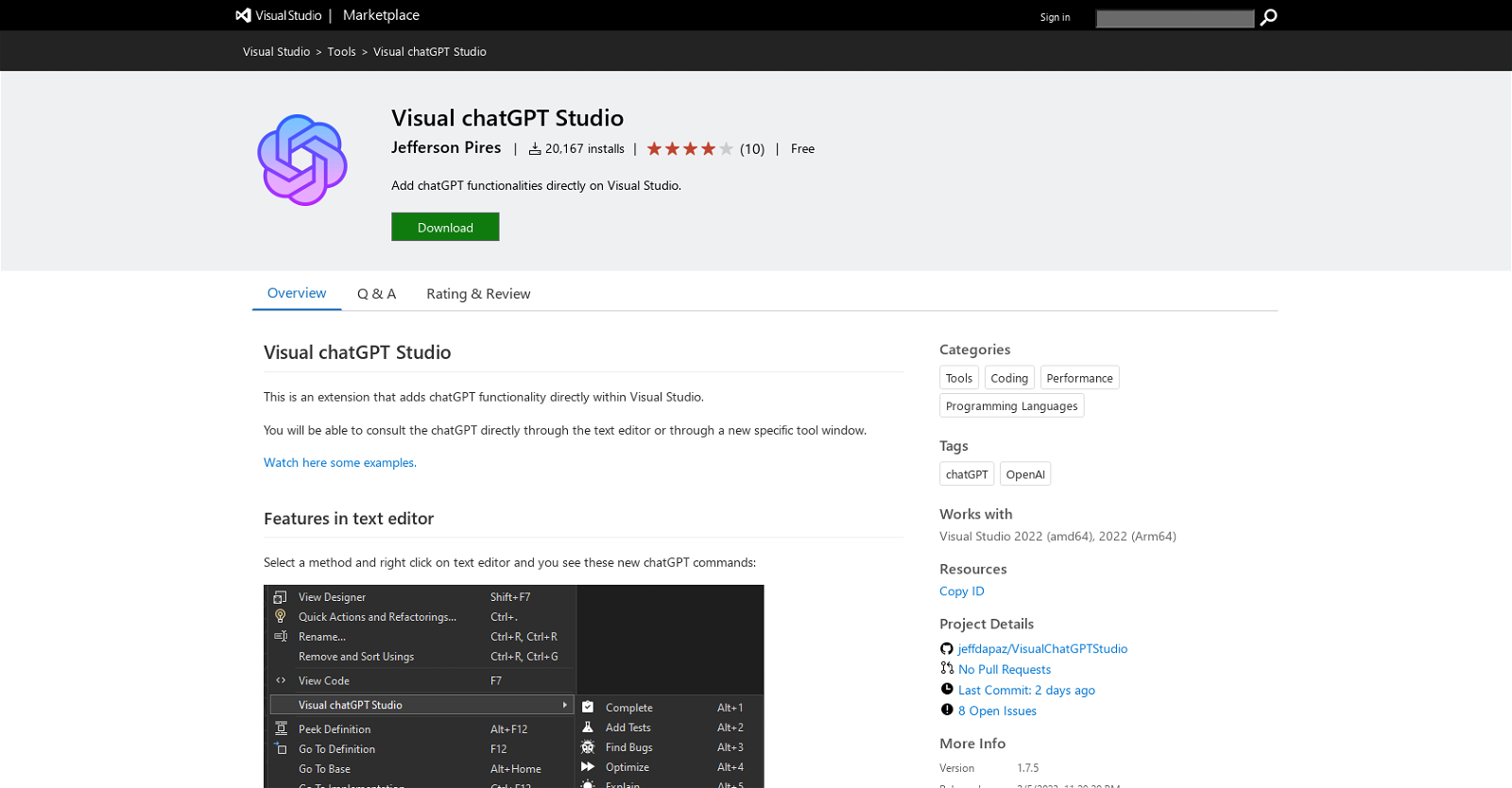
Visual chatGPT Studio is a Visual Studio Extension designed to integrate chatGPT functionalities directly within the Visual Studio environment. The tool allows users to interact with chatGPT directly through the text editor or via specific tool windows. It offers a range of commands for code editing...
Overall Score
37
Top 5%
of AI companies
Overall Score
37
GitHub Stars
27
Monthly Visits
5.6M
AI Referrals
1.6M / mo
Visual chatGPT Studio is a Visual Studio Extension designed to integrate chatGPT functionalities directly within the Visual Studio environment. The tool allows users to interact with chatGPT directly through the text editor or via specific tool windows. It offers a range of commands for code editing...
Latest detected signals across traffic, developer activity and community mentions.
HN: "Implant – an extension to VS Code that exposes its APIs to coding age…"
Last GitHub push
Referral growth vs previous period
| Keyword | Volume / Mo | CPC |
|---|---|---|
| github copilot | 916,090 | $2.75 |
| vscode marketplace | 6,080 | $5.58 |
| vs code | 1,170,300 | $1.35 |
| markdown to pdf | 103,630 | $0.82 |
| vscode | 1,135,290 | $1.72 |
Visual chatGPT Studio is a Visual Studio Extension designed to integrate chatGPT functionalities directly within the Visual Studio environment. The tool allows users to interact with chatGPT directly through the text editor or via specific tool windows. It offers a range of commands for code editing...
Get notified when score, traffic, GitHub or community signals change.
Latest detected signals across traffic, developer activity and community mentions.
HN: "Implant – an extension to VS Code that exposes its APIs to coding age…"
Last GitHub push
Six signals, each 0–100, blended into the overall by their listed weight.
Generated from public signals and search intent.
Each dimension is weighted (traffic 20% · community 25% · growth 15% · momentum 15% · innovation 10%) and combined into the overall.
View full analytics →Indexed by indexator.ai
GitHub repo created
Indexed by indexator.ai
GitHub repo created
Referral growth vs previous period
| Keyword | Volume / Mo | CPC |
|---|---|---|
| github copilot | 916,090 | $2.75 |
| vscode marketplace | 6,080 | $5.58 |
| vs code | 1,170,300 | $1.35 |
| markdown to pdf | 103,630 | $0.82 |
| vscode | 1,135,290 | $1.72 |
4.1K
Rating
—
Views
—
Category
ChatGPT for Visual Studio
Pros · 42
Cons · 9
Rating distribution
Release history · 1+
Initial release of Visual chatGPT Studio.
Q&A · 22
Visual chatGPT Studio is a free extension for Visual Studio that integrates chatGPT functionalities directly into the development environment. It allows users to interface with chatGPT in two ways, directly through the text editor or through a specific tool window, providing a range of new commands that aid various processes such as code completion, bug finding, code optimization, and translation, among others. The Studio includes a tool window that can remember an entire conversation and use the gpt-3.5-turbo model exclusively. However, users need to create and set an OpenAI API Key to use this tool.
To integrate chatGPT functionalities into Visual Studio using Visual chatGPT Studio, users need to download and add the Visual chatGPT Studio extension to their Visual Studio environment. Following this, users can select a method and right-click on it in the text editor to access a set of new chatGPT commands. These commands allow for code completion, creating unit tests, finding bugs, optimizing, among other functionalities. Users can also interact with chatGPT directly through the Visual chatGPT Studio's tool window and receive answers directly within it.
Users can consult the chatGPT in two ways in Visual chatGPT Studio. One method is to directly ask questions through the text editor by right-clicking on a selected method and analyzing the response. The second approach is through a new specific tool window where users can input their queries and view responses directly.
Visual chatGPT Studio provides a variety of new chatGPT commands. These commands include asking for complete, creating unit tests, finding bugs, optimizing, explaining, adding comments or summary for C# methods, asking anything, creating custom commands, and even replacing selected text. This broad spectrum of commands enables users to access and utilize chatGPT's functionality more effectively within the Visual Studio environment.
Yes, users can interact with chatGPT through a specific tool window in Visual Studio using Visual chatGPT Studio. The responses can be displayed directly within this window, offering an effective way for users to chat with chatGPT and receive the responses needed without modifying their codespace.
How do you feel about this company?
Your vote helps improve ranking signals.
9 points · 3 comments · by
Badge
A lightweight SVG badge showing the score.
<a href="https://indexator.ai/companies/kicad-studio" target="_blank" rel="noopener">
  <img src="https://indexator.ai/api/embed/badge/kicad-studio" alt="kicad-studio Score on Indexator.ai" width="200" height="60" />
</a>Score Card
An embeddable card with score breakdown.
<iframe src="https://indexator.ai/api/embed/card/kicad-studio" width="300" height="200" frameborder="0" style="border:none;border-radius:8px"></iframe>Category Leaderboard
Top 10 in Developer Tools.
<iframe src="https://indexator.ai/api/embed/leaderboard?category=Developer%20Tools" width="300" height="400" frameborder="0" style="border:none;border-radius:8px"></iframe>