
Overall Score
8
of AI companies

🇺🇸
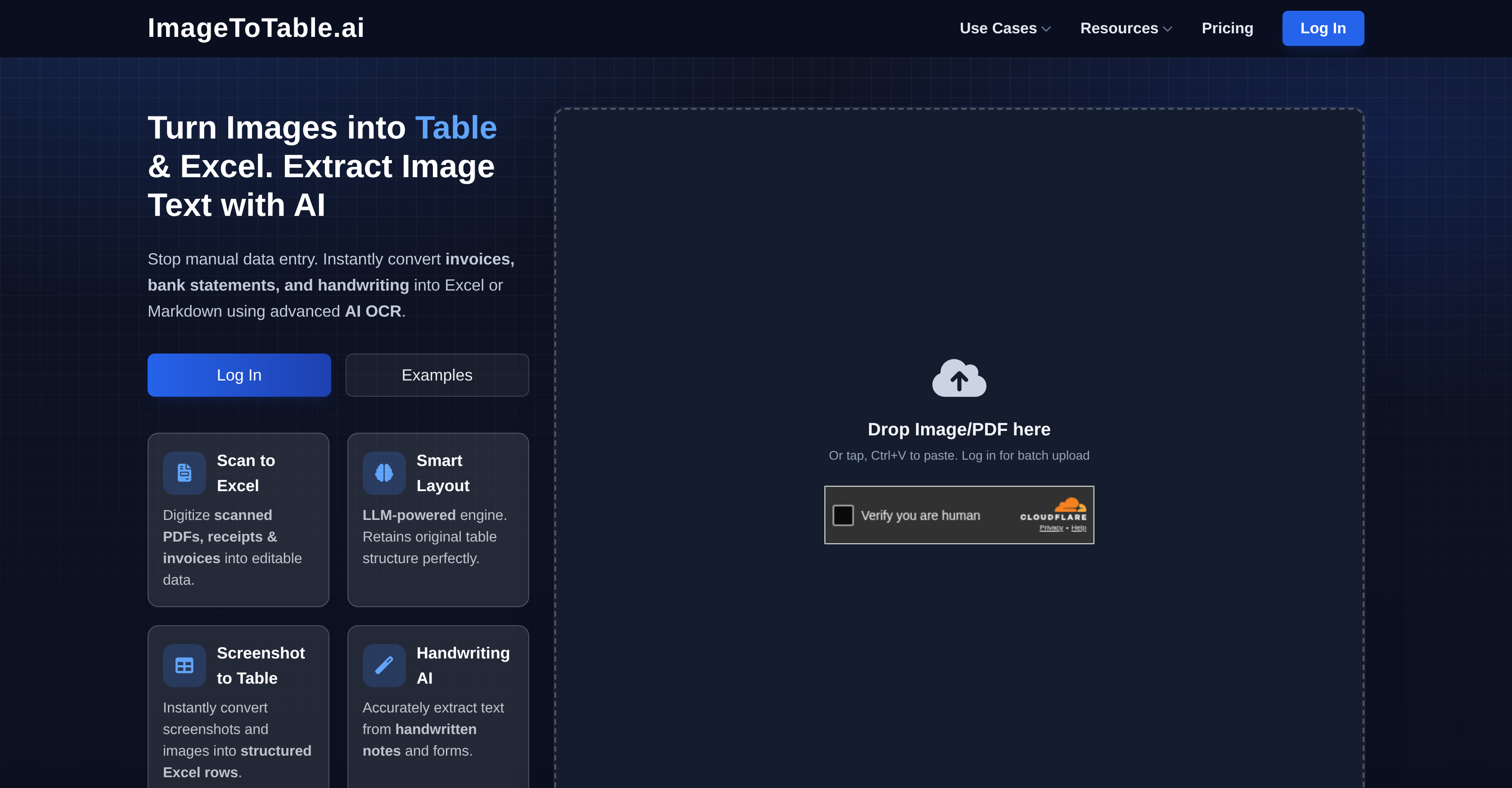
ImageToTable.ai 1. Product Positioning ImageToTable.ai is an AI-powered data extraction tool that converts images, PDFs and documents into
ImageToTable.ai 1. Product Positioning ImageToTable.ai is an AI-powered data extraction tool that converts images, PDFs and documents into structured Excel, CSV or JSON outputs with high accuracy, efficiency and security. Powered by advanced LLM OCR and visual understanding, it requires zero templ...
Overall Score
8
of AI companies
Overall Score
8
GitHub Stars
—
Monthly Visits
2K
Community Rating
5.0
ImageToTable.ai 1. Product Positioning ImageToTable.ai is an AI-powered data extraction tool that converts images, PDFs and documents into structured Excel, CSV or JSON outputs with high accuracy, efficiency and security. Powered by advanced LLM OCR and visual understanding, it requires zero templ...
Latest detected signals across traffic, developer activity and community mentions.
Indexed by indexator.ai
| Keyword | Volume / Mo | CPC |
|---|---|---|
| extraxt waybill information onto excel sheet | — | — |
| best pdf to excel converter | 600 | $7.97 |
| image to excel | 36,770 | $0.15 |
| how to auto sort my bank statement items in excel | 170 | — |
| pdf to excel ia | 150 | — |
ImageToTable.ai 1. Product Positioning ImageToTable.ai is an AI-powered data extraction tool that converts images, PDFs and documents into structured Excel, CSV or JSON outputs with high accuracy, efficiency and security. Powered by advanced LLM OCR and visual understanding, it requires zero templ...
Get notified when score, traffic, GitHub or community signals change.
Latest detected signals across traffic, developer activity and community mentions.
Indexed by indexator.ai
Six signals, each 0–100, blended into the overall by their listed weight.
Generated from public signals and search intent.
Each dimension is weighted (traffic 20% · community 25% · growth 15% · momentum 15% · innovation 10%) and combined into the overall.
| Keyword | Volume / Mo | CPC |
|---|---|---|
| extraxt waybill information onto excel sheet | — | — |
| best pdf to excel converter | 600 | $7.97 |
| image to excel | 36,770 | $0.15 |
| how to auto sort my bank statement items in excel | 170 | — |
| pdf to excel ia | 150 | — |
20.1K
Rating
5.0
2 reviews
Views
601
Category
Document data extraction
Pros · 44
Cons · 10
Rating distribution
Supported features
Release history · 1+
Initial release of ImageToTable.ai.
Q&A · 22
ImageToTable.ai can convert various types of documents including bank statements, invoices, resumes, VAT/GST returns, student ID cards, sales order forms, and tax forms.
Yes, ImageToTable.ai can accurately convert handwritten notes and forms.
Yes, ImageToTable.ai can process bank statements, effectively converting them into structured Excel, CSV, or JSON formats.
Yes, ImageToTable.ai can extract specific fields of data from VAT/GST returns.
Sectors such as accounting, enrollment, recruitment, expense tracking, and credit analysis can significantly benefit from using ImageToTable.ai.
Alternatives — peer set
Automate PDF data extraction with AI
Autofill PDFs & Sheets instantly from any document.
AI-powered knowledge base for critical business documents.
Extract data from any document automatically with AI.
Automate complex document processing with AI
Extract data from emails and documents instantly.
How do you feel about this company?
Your vote helps improve ranking signals.
Badge
A lightweight SVG badge showing the score.
<a href="https://indexator.ai/companies/imagetotable-ai" target="_blank" rel="noopener">
  <img src="https://indexator.ai/api/embed/badge/imagetotable-ai" alt="ImageToTable.ai Score on Indexator.ai" width="200" height="60" />
</a>Score Card
An embeddable card with score breakdown.
<iframe src="https://indexator.ai/api/embed/card/imagetotable-ai" width="300" height="200" frameborder="0" style="border:none;border-radius:8px"></iframe>Category Leaderboard
Top 10 in Productivity.
<iframe src="https://indexator.ai/api/embed/leaderboard?category=Productivity" width="300" height="400" frameborder="0" style="border:none;border-radius:8px"></iframe>