
Overall Score
21
Top 25%
of AI companies

Let AI take your meeting notes. Fellow’s Meeting note taker transcribes, summarizes, and gathers insights with human-level accuracy. Start for free!
Discover Fellow and its AI capabilities
Overall Score
21
Top 25%
of AI companies
Overall Score
21
GitHub Stars
0
Monthly Visits
194K
Community Rating
4.5
Discover Fellow and its AI capabilities
Latest detected signals across traffic, developer activity and community mentions.
Indexed by indexator.ai
Last GitHub push
| Keyword | Volume / Mo | CPC |
|---|---|---|
| fellow note taker | 540 | — |
| the art of jogging with your boss pdf | 150 | — |
The #1 AI Meeting Assistant.
Free
Team
$0
/ yearly
Free trial available
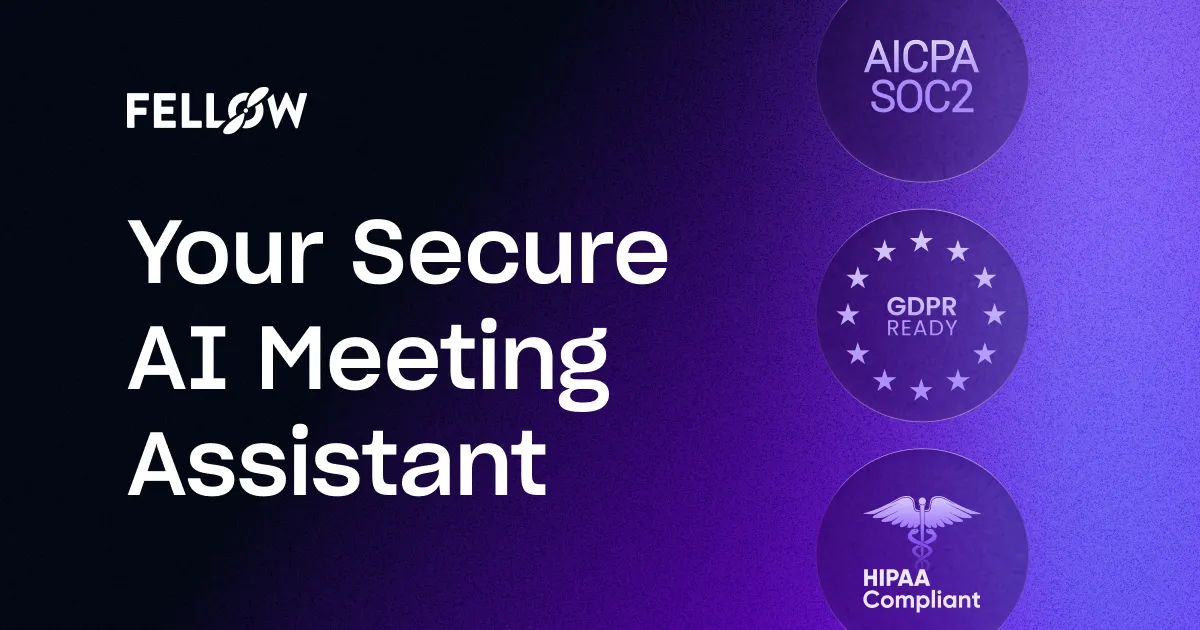
Fellow is the only AI meeting assistant built from the ground up with privacy and security in mind. It supports the before, during, and after every meeting with the most accurate meeting transcriptions (in 99 languages) and human-level AI meeting recaps. Fellow natively integrates with more than 50...
Get notified when score, traffic, GitHub or community signals change.
Latest detected signals across traffic, developer activity and community mentions.
Indexed by indexator.ai
Last GitHub push
Six signals, each 0–100, blended into the overall by their listed weight.
Generated from public signals and search intent.
Each dimension is weighted (traffic 20% · community 25% · growth 15% · momentum 15% · innovation 10%) and combined into the overall.
| Keyword | Volume / Mo | CPC |
|---|---|---|
| fellow note taker | 540 | — |
| the art of jogging with your boss pdf | 150 | — |
The #1 AI Meeting Assistant.
Free
Team
$0yearly
96.4K
Rating
4.5
4 reviews
Views
4.6K
Category
Meeting notes
Pros · 20
Cons · 10
Rating distribution
Release history · 1+
Initial release of Fellow.
Q&A · 22
Fellow.app transcribes meetings through an AI-driven process that converts spoken words into written text. This process offers human-level accuracy in transcription, capturing what was said during the meetings effectively.
Ashley Wood 🛠️ 1 tool wrote:Fellow.app extracts key insights from meetings like action items, decisions and noteworthy discussions. These insights can provide value in understanding the outcomes of the meetings and setting plans for future action.
The 'Ask Fellow' feature is an AI chatbot that functions to provide insights on meetings, answer queries about specific meetings, and draft follow-up emails post-meeting. It's like a personal meeting assistant to help you stay up-to-date with meeting information.
Fellow.app has strong privacy and security settings, allowing control over who can access meeting recordings, notes, and summaries. It ensures that all meeting related data are accessible only by the right individuals, securing the information effectively.
Yes, Fellow.app has the capability to help in drafting follow-up emails post-meeting. It's done by the 'Ask Fellow' feature, an AI chatbot which can generate draft emails based on the contents and outcomes of the meeting.
Alternatives — peer set
Voice-first AI workspace for meetings, notes, and dictation. Works offline.
Discord voice transcription and note taking app for teams and DnD sessions
Record, Transcribe, and AI Summarize Discord Calls
The #1 AI assistant for complete meeting workflow.
AI note taker for meetings and insights.
Transform raw meeting notes into brilliance
How do you feel about this company?
Your vote helps improve ranking signals.
Badge
A lightweight SVG badge showing the score.
<a href="https://indexator.ai/companies/fellow" target="_blank" rel="noopener">
  <img src="https://indexator.ai/api/embed/badge/fellow" alt="Fellow Score on Indexator.ai" width="200" height="60" />
</a>Score Card
An embeddable card with score breakdown.
<iframe src="https://indexator.ai/api/embed/card/fellow" width="300" height="200" frameborder="0" style="border:none;border-radius:8px"></iframe>Category Leaderboard
Top 10 in Productivity.
<iframe src="https://indexator.ai/api/embed/leaderboard?category=Productivity" width="300" height="400" frameborder="0" style="border:none;border-radius:8px"></iframe>