
Overall Score
15
Top 50%
of AI companies

Chrome Sidekick is an AI browser assistant designed to enhance productivity within the Chrome web browser. The core feature of this tool is
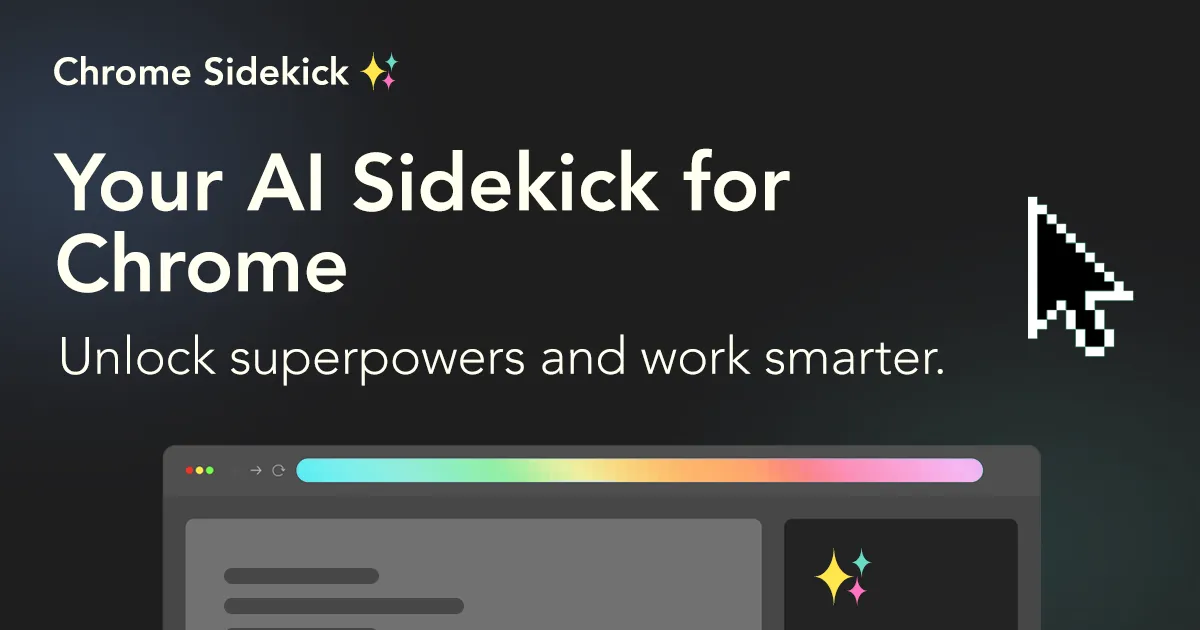
Chrome Sidekick is an AI browser assistant designed to enhance productivity within the Chrome web browser. The core feature of this tool is its ability to automate tasks, suggesting its utility for routine, repetitive browsing tasks that might otherwise consume significant time. This tool appears to...
Overall Score
15
Top 50%
of AI companies
Overall Score
15
GitHub Stars
—
Monthly Visits
3K
Community Rating
4.0
Chrome Sidekick is an AI browser assistant designed to enhance productivity within the Chrome web browser. The core feature of this tool is its ability to automate tasks, suggesting its utility for routine, repetitive browsing tasks that might otherwise consume significant time. This tool appears to...
Latest detected signals across traffic, developer activity and community mentions.
Indexed by indexator.ai
| Keyword | Volume / Mo | CPC |
|---|---|---|
| sidekick browser | 5,740 | $2.19 |
| manus chrome extension | 2,540 | $5.25 |
| voice search extension | 570 | — |
| dia extension | 410 | — |
| chrome extensions for dia | 330 | — |
Chrome Sidekick is an AI browser assistant designed to enhance productivity within the Chrome web browser. The core feature of this tool is its ability to automate tasks, suggesting its utility for routine, repetitive browsing tasks that might otherwise consume significant time. This tool appears to...
Get notified when score, traffic, GitHub or community signals change.
Latest detected signals across traffic, developer activity and community mentions.
Indexed by indexator.ai
Six signals, each 0–100, blended into the overall by their listed weight.
Generated from public signals and search intent.
Each dimension is weighted (traffic 20% · community 25% · growth 15% · momentum 15% · innovation 10%) and combined into the overall.
| Keyword | Volume / Mo | CPC |
|---|---|---|
| sidekick browser | 5,740 | $2.19 |
| manus chrome extension | 2,540 | $5.25 |
| voice search extension | 570 | — |
| dia extension | 410 | — |
| chrome extensions for dia | 330 | — |
16.5K
Rating
4.0
4 reviews
Views
1.6K
Category
Web browsing
Pros · 33
Cons · 7
Rating distribution
Release history · 1+
Initial release of Chrome Sidekick.
Q&A · 22
Chrome Sidekick is an AI browser assistant designed to enhance productivity within the Chrome web browser by automating tasks and applying AI superpowers to every page in Chrome.
Chrome Sidekick enhances productivity by automating routine, repetitive browsing tasks, which might otherwise consume significant time, thus allowing users to work more efficiently.
The core feature of Chrome Sidekick is its ability to automate tasks, influenced by artificial intelligence technology. It brings AI superpowers to all pages within the Chrome browser.
Chrome Sidekick can automate routine, repetitive browsing tasks within the Chrome browser.
Yes, Chrome Sidekick can function on all pages within Chrome, giving it a wide-ranging application across various online activities and tasks.
Alternatives — peer set
Browse with intelligence.
The first safe AI-native browser.
The browser with ChatGPT built in.
Cloud browsers for AI agents and apps.
AI-powered browser agent for task automation
Change the way you browse with AI-powered features
How do you feel about this company?
Your vote helps improve ranking signals.
Badge
A lightweight SVG badge showing the score.
<a href="https://indexator.ai/companies/chrome-sidekick" target="_blank" rel="noopener">
  <img src="https://indexator.ai/api/embed/badge/chrome-sidekick" alt="Chrome Sidekick Score on Indexator.ai" width="200" height="60" />
</a>Score Card
An embeddable card with score breakdown.
<iframe src="https://indexator.ai/api/embed/card/chrome-sidekick" width="300" height="200" frameborder="0" style="border:none;border-radius:8px"></iframe>Category Leaderboard
Top 10 in Web browsing.
<iframe src="https://indexator.ai/api/embed/leaderboard?category=Web%20browsing" width="300" height="400" frameborder="0" style="border:none;border-radius:8px"></iframe>