
Overall Score
0
of AI companies
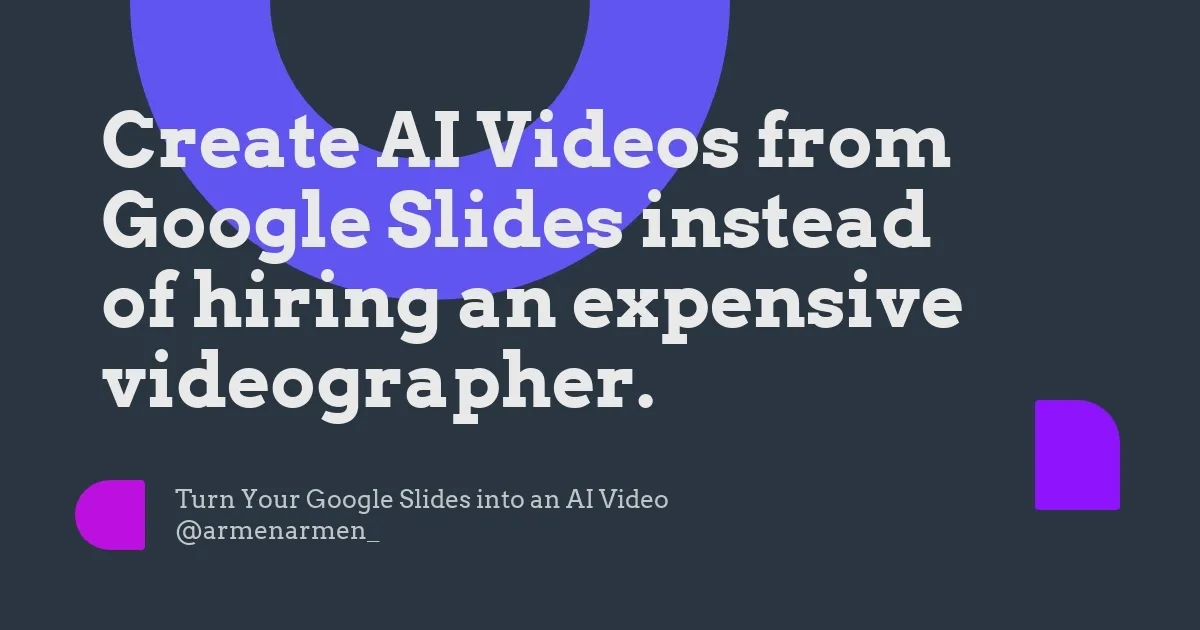
AI Slides to Videos is a tool design to convert Google Slides presentations into AI-generated videos. This tool can be effectively used to t
AI Slides to Videos is a tool design to convert Google Slides presentations into AI-generated videos. This tool can be effectively used to transform presentations into dynamic media content, making it ideal for a variety of utilization including fundraising campaigns, marketing strategies, content c...
Overall Score
0
of AI companies
Overall Score
0
GitHub Stars
—
Monthly Visits
0
Community Rating
1.0
AI Slides to Videos is a tool design to convert Google Slides presentations into AI-generated videos. This tool can be effectively used to transform presentations into dynamic media content, making it ideal for a variety of utilization including fundraising campaigns, marketing strategies, content c...
Latest detected signals across traffic, developer activity and community mentions.
Indexed by indexator.ai
Launch - Year
$7.50
/ monthly
Launch
$15
/ monthly
AI Slides to Videos is a tool design to convert Google Slides presentations into AI-generated videos. This tool can be effectively used to transform presentations into dynamic media content, making it ideal for a variety of utilization including fundraising campaigns, marketing strategies, content c...
Get notified when score, traffic, GitHub or community signals change.
Latest detected signals across traffic, developer activity and community mentions.
Indexed by indexator.ai
Six signals, each 0–100, blended into the overall by their listed weight.
Generated from public signals and search intent.
Each dimension is weighted (traffic 20% · community 25% · growth 15% · momentum 15% · innovation 10%) and combined into the overall.
29.0K
Rating
1.0
1 review
Views
732
Category
Presentations to videos
Pros · 20
Cons · 8
Rating distribution
Release history · 1+
Initial release of AI Slides to Videos.
Q&A · 22
AI Slides to Videos is a tool designed to transform Google Slides presentations into AI-generated videos. This allows users to storyboard their ideas, convert them into video clips or photos, and provide narration using a selection of AI voices.
AI Slides to Videos converts Google Slides into videos by allowing a user to input their Google Slides URL, creating an AI video. It lets the user storyboard their ideas right within Google Slides and take 100% AI photos and video clips. Users can also make their first video scene, generate AI Images or Animations, repeat these steps for all slides, and, finally, create the entire video.
AI Slides to Videos can be used for a diverse array of purposes that include, but not limited to, fundraising campaigns, marketing strategies, content creation, YouTube content production, podcast visuals, storyboard visualizations, compliance trainings, event promotions, meme creation, and content generation for faceless YouTube accounts.
Yes, AI Slides to Videos can greatly benefit YouTube content producers. Users can generate professional YouTube videos from their Google Slides, gaining a standout presence on YouTube with high-quality, AI-generated content.
The AI narration feature in AI Slides to Videos works by offering a selection of six different AI voices to narrate the videos. Once slides are converted into videos, users can choose any AI voice to add as the narration to their videos.
How do you feel about this company?
Your vote helps improve ranking signals.
Badge
A lightweight SVG badge showing the score.
<a href="https://indexator.ai/companies/ai-slides-to-videos" target="_blank" rel="noopener">
  <img src="https://indexator.ai/api/embed/badge/ai-slides-to-videos" alt="AI Slides to Videos Score on Indexator.ai" width="200" height="60" />
</a>Score Card
An embeddable card with score breakdown.
<iframe src="https://indexator.ai/api/embed/card/ai-slides-to-videos" width="300" height="200" frameborder="0" style="border:none;border-radius:8px"></iframe>Category Leaderboard
Top 10 in Video & Audio.
<iframe src="https://indexator.ai/api/embed/leaderboard?category=Video%20%26%20Audio" width="300" height="400" frameborder="0" style="border:none;border-radius:8px"></iframe>